
Introduction
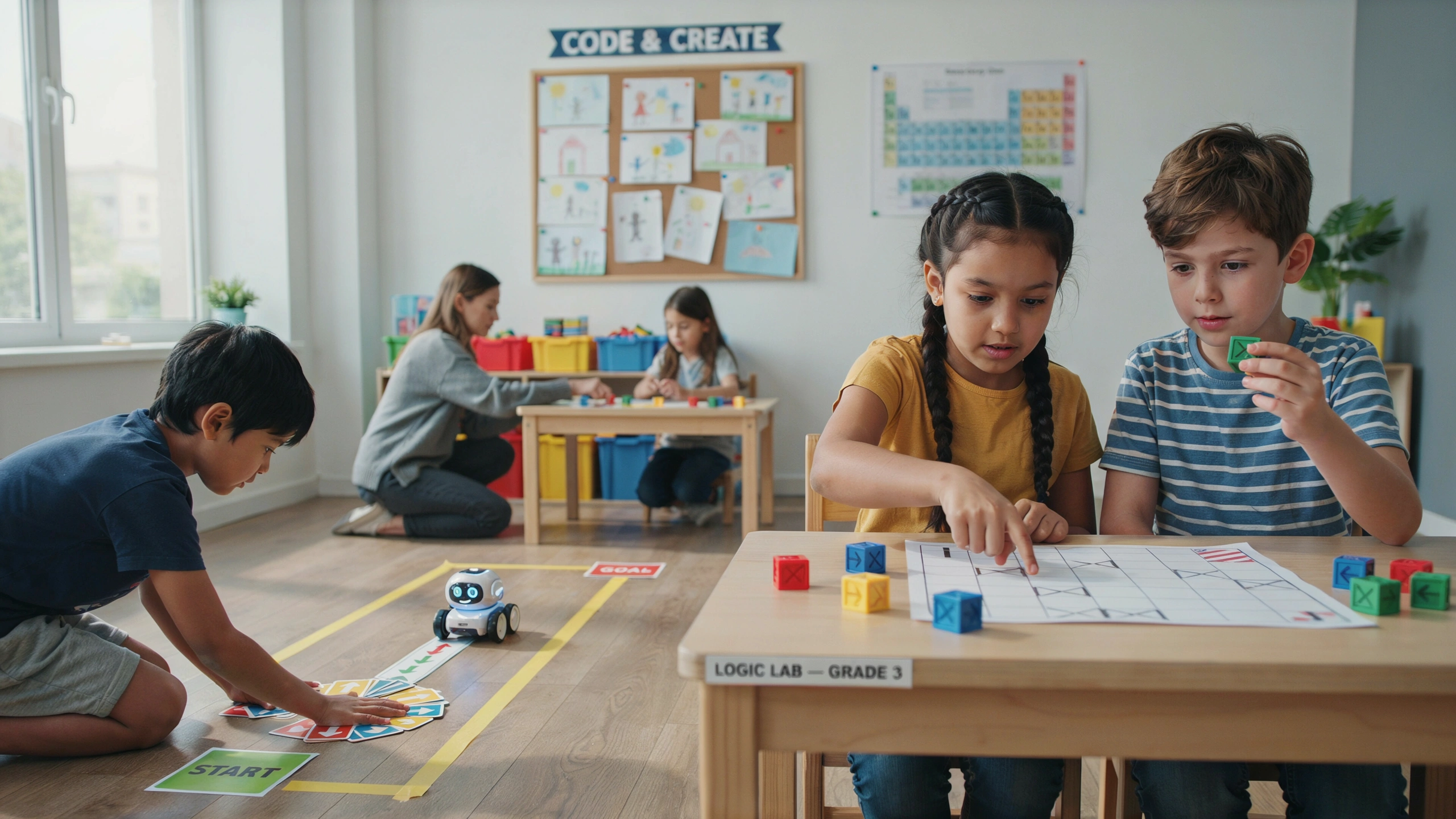
Coding is often associated with computers and complex programming languages, but for children, it can begin with simple games that focus on logic rather than writing code. Coding games introduce young learners to concepts like sequencing, problem-solving, patterns, and decision-making through fun, interactive challenges.
Whether children are arranging commands, solving puzzles, or guiding a character through a maze, they are developing computational thinking without realizing they are learning important programming skills. These playful experiences build confidence while preparing children for future success in technology and many other fields.
What Is Computational Thinking?
Computational thinking is the process of solving problems in a logical and organized way. It involves breaking large problems into smaller parts, recognizing patterns, creating step-by-step solutions, and testing different ideas.
Children use computational thinking when they:
- Follow directions
- Solve puzzles
- Build with blocks
- Plan a route
- Organize information
Coding games strengthen these skills in a natural and enjoyable way.
1. Step-by-Step Command Games
Ask children to give instructions for completing a simple task, such as making a sandwich or brushing their teeth.
Encourage them to explain every step in the correct order.
If a step is missing, discuss what happens and how to fix it.
Skills Developed:
- Sequencing
- Logical reasoning
- Planning
- Communication
2. Human Robot Game
One child pretends to be a robot while another gives simple commands.
Examples include:
- Move forward two steps.
- Turn left.
- Pick up the block.
- Stop.
Children quickly discover that instructions must be clear and precise.
Skills Developed:
- Computational thinking
- Problem-solving
- Precision
- Teamwork
3. Maze Navigation Challenges
Draw or create a simple maze and ask children to guide a character from the start to the finish using directional commands.
Examples:
- Forward
- Left
- Right
- Turn around
This activity introduces the concept of algorithms.
Skills Developed:
- Planning
- Spatial awareness
- Decision-making
- Logical thinking
4. Pattern Programming
Create repeating sequences with colors, shapes, or movements.
Ask children to identify the rule and continue the pattern.
Then encourage them to invent their own patterns.
Skills Developed:
- Pattern recognition
- Prediction
- Creativity
- Analysis
5. Debug the Mistake
Present children with an incorrect sequence of instructions and ask them to find the mistake.
Example:
- Put on your shoes.
- Put on your socks.
Children explain why the order is incorrect and fix it.
This activity introduces the programming concept of debugging.
Skills Developed:
- Error detection
- Logical reasoning
- Critical thinking
- Observation
6. Build an Algorithm
Choose a familiar activity such as planting a flower.
Children create a complete list of steps in the correct order.
Discuss how changing one step affects the final result.
Skills Developed:
- Organization
- Sequencing
- Planning
- Cause and effect
7. Coding with Arrows
Use arrow cards or simple drawings to create movement instructions.
Example:
⬆️ ⬆️ ➡️ ⬇️ ⬅️
Children follow the sequence to reach a target.
They can also design their own arrow puzzles for others to solve.
Skills Developed:
- Spatial reasoning
- Logical sequencing
- Focus
- Problem-solving
8. Condition Games
Introduce simple “if-then” rules.
Examples:
- If you hear a clap, jump.
- If you hear two claps, turn around.
- If you hear a whistle, sit down.
These activities introduce conditional logic found in programming.
Skills Developed:
- Decision-making
- Listening
- Cause and effect
- Logical reasoning
9. Block-Based Coding Apps and Games
Many beginner-friendly coding platforms allow children to arrange colorful blocks instead of typing code.
Children learn programming concepts such as:
- Loops
- Sequences
- Events
- Conditions
Because they solve puzzles rather than write complex code, learning feels like a game.
Skills Developed:
- Computational thinking
- Creativity
- Problem-solving
- Persistence
10. Design Your Own Coding Challenge
Invite children to create their own maze, puzzle, or robot game.
They write the rules and challenge family members or classmates to solve it.
Teaching others reinforces their own understanding.
Skills Developed:
- Creativity
- Leadership
- Planning
- Critical thinking
Tips for Parents and Teachers
To make coding games enjoyable:
- Focus on solving problems rather than memorizing commands.
- Encourage experimentation and learning from mistakes.
- Ask children to explain their thinking.
- Begin with unplugged activities before introducing digital tools.
- Celebrate effort, creativity, and persistence.
Remember, coding is about thinking—not just using computers.
Benefits Beyond Programming
Coding games develop skills that help children in many areas of life, including:
- Mathematics
- Science
- Reading comprehension
- Organization
- Communication
- Decision-making
- Creative problem-solving
These transferable skills prepare children for both academic success and future careers.
Conclusion
Coding games show children that programming is really about logical thinking, creativity, and problem-solving. Through simple activities like giving instructions, solving mazes, finding mistakes, and creating algorithms, young learners build strong computational thinking skills without feeling like they are in a traditional classroom.
By making coding playful and interactive, parents and teachers can inspire children to become curious, confident thinkers who enjoy tackling challenges. Every game is another opportunity to strengthen logic, encourage creativity, and prepare for a technology-driven future.